


Choosing between an access control system and a standalone smart lock comes down to the size of your property, the number of users you need to manage, and how much centralized control you require. Standalone smart locks—including Tuya smart locks—work well for single-door residential or small commercial applications. Access control systems are better suited for multi-door facilities, enterprises, hotels, and any environment where centralized user management and audit trails are essential.
This guide breaks down the key differences to help buyers—whether purchasing for a single property or at scale—make a confident, informed decision.
What Is a Standalone Smart Lock?
A standalone smart lock is a self-contained electronic locking device installed on a single door. It replaces or integrates with a traditional lock and provides keyless entry through one or more access methods.
Common access methods include:
Fingerprint recognition (biometric)
PIN/passcode entry
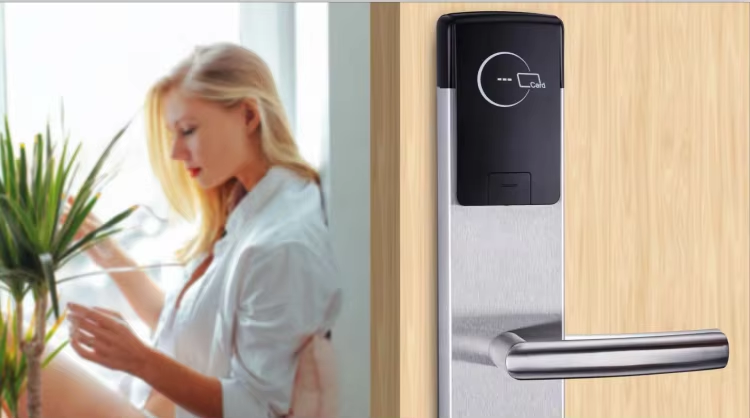
RFID or IC card
Mobile app control (e.g., via Tuya or TTLock)
Remote unlocking via Wi-Fi or Bluetooth
Physical key backup
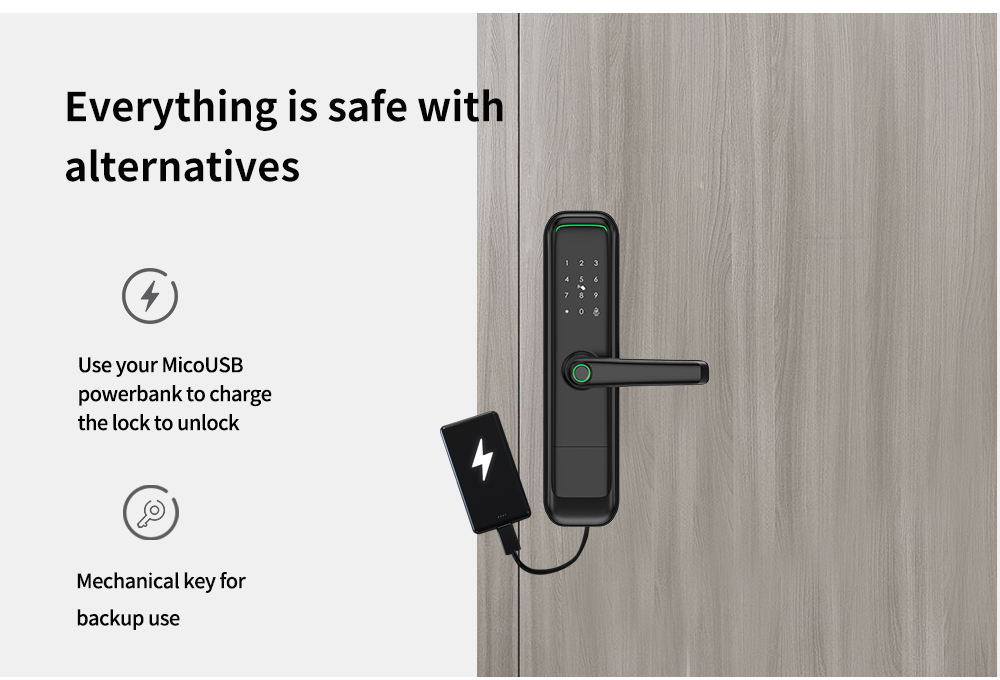
A Tuya smart lock, for example, connects to the Tuya IoT platform, enabling remote access, real-time notifications, and smart home integration through the Tuya app. These locks are available for wood, glass, aluminum, and steel doors, making them versatile for both residential and light commercial use.
Best for: Homeowners, rental apartments, small offices, and individual entry points that require convenient, app-connected access without complex infrastructure.
What Is an Access Control System?
An access control system is a networked security solution that manages entry across multiple doors or access points from a centralized platform. Rather than operating independently, each lock or reader communicates with a central controller or software dashboard.
A complete access control system typically includes:
Lock bodies and handles for each door
Card readers or biometric readers at each entry point
Gateways and controllers that connect devices to the network
Power supplies to support electronic components
Card encoders for credential issuance
Management software for user administration and reporting
Access control systems support advanced features such as time-based access schedules, role-based permissions, access logs, remote lockdown, and integration with HR or visitor management platforms.
Best for: Offices, hotels, apartment complexes, hospitals, schools, and any multi-door environment where administrators need to manage large numbers of users, track entry events, or comply with security standards.
SMARTEK
| Feature | Standalone Smart Lock | Access Control System |
| Number of doors | Single door | Multiple doors |
| User management | Per-device | Centralized dashboard |
| Remote access | Yes (app-based) | Yes (system-wide) |
| Access logs | Limited | Comprehensive audit trail |
| Scalability | Low | High |
| Installation complexity | Low | Moderate to high |
| Upfront cost | Lower | Higher |
| Smart home integration | Yes (e.g., Tuya) | Varies by platform |
| Best use case | Residential, small offices | Enterprise, hospitality, multi-unit buildings |

SMARTEK
When Should You Choose a Standalone Smart Lock?
When Should You Choose an Access Control System?
Yes. Many properties use a hybrid approach—deploying standalone smart locks on individual units or private offices, while using an access control system to manage shared entry points such as lobbies, parking garages, server rooms, and stairwells.
This layered strategy allows property managers to balance cost-efficiency with security depth. For example, a residential apartment complex might use an access control system at the main entrance and communal areas, while each individual unit is secured with a Tuya smart lock that tenants can manage independently via the app.

SMARTEK
FAQ
What is the main difference between an access control system and a smart lock?
A smart lock is a standalone device installed on a single door, providing keyless entry via app, fingerprint, or PIN. An access control system is a networked solution that manages multiple doors from a centralized platform, offering user permissions, scheduling, and audit logs across an entire facility.
Can a Tuya smart lock be used as part of an access control system?
Is an access control system worth it for a small business?
What access methods do Tuya smart locks support?
Where can I find access control systems and Tuya smart locks for commercial projects?
1
Choose a standalone smart lock
if you need to secure one or a few doors, want easy app-based control, and prefer a lower-cost, simpler installation—particularly for residential, rental, or small office environments. Tuya smart locks are an excellent choice for properties already using the Tuya ecosystem.
2
Choose an access control system
if you manage a facility with multiple entry points, require centralized user administration, need compliance-ready audit trails, or operate in hospitality, enterprise, or multi-unit residential settings.
-
 Choosing the right smart lock manufacturer for an OEM or ODM project comes down to five core criteria: verified certifications, factory quality control processes, product customization capabilities, export experience, and reliable after-sales support. Get these right, and your project launches on sc
 -
 EN12209, EN1634-1, and UL10C are three of the most important certifications buyers and specifiers should understand when selecting a smart lock or fire rated hotel lock. EN12209 defines the mechanical performance of mortise locks used across Europe. EN1634-1 sets the fire resistance requirements for


